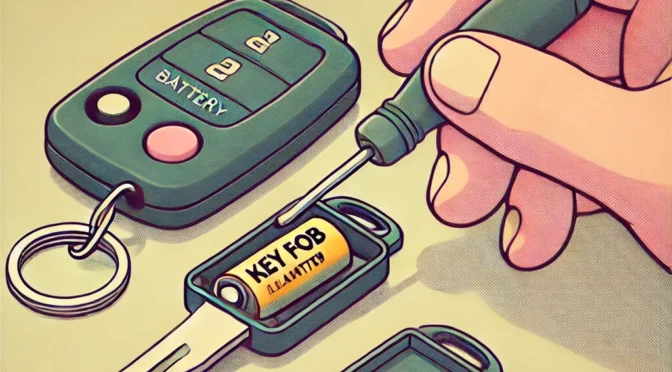
Replacing the battery in a key fob is easier than you might think and takes just a few minutes. First, locate the small notch on the key fob to open it. Use a small flathead screwdriver or a coin to open the case carefully. Inside, you’ll find the old battery. Match its type—usually labeled on the battery itself—then replace it with a fresh one. Close the fob, and voila, you’re back in business.
But let’s take a closer look at each step. While the process is straightforward, a few tips and tricks can save you time and prevent frustration. Whether you drive a compact car or a luxury sedan, these steps are universally helpful.
Why Replace Your Key Fob Battery?
If your car’s remote stops working or the range becomes laughably short, it’s a clear sign the battery is losing juice. Sometimes the problem mimics a dead fob, leading people to think it’s broken when all it needs is a fresh power source. Ignoring this issue can result in being locked out of your car unexpectedly—a situation no one enjoys.
Thank You To Kuehl Keys For Supplying Some Of The Information For This Article.
What You’ll Need
Changing a key fob battery doesn’t require a toolbox full of gadgets. Here’s your simple shopping list:
- Replacement battery: Most key fobs use CR2032 or CR2025 coin batteries, which are available in grocery stores, electronics shops, and online.
- Flathead screwdriver or similar tool: A butter knife or sturdy fingernail can sometimes work too.
- Clean workspace: You don’t want to lose tiny parts, so work over a table, not in the abyss of your car seat.
Step-by-Step Instructions for Replacing the Battery
1. Open the Key Fob Case
The hardest part of this job is often just opening the case. Look for a small groove or seam along the edge of the fob. If it’s not obvious, check your car manual or search online for your car model’s key fob diagram.
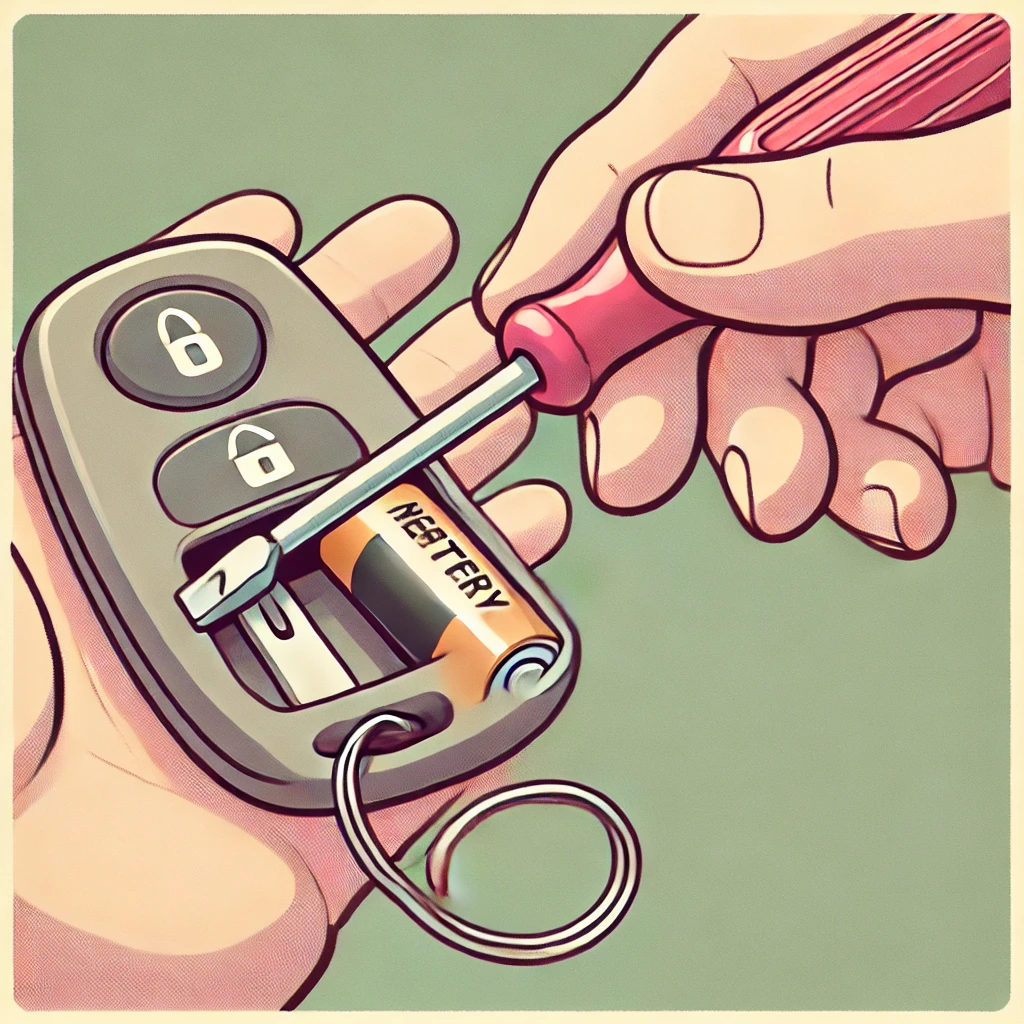
- Insert a flathead screwdriver or coin into the notch.
- Gently twist until the case pops open. If you need force, you’re likely pressing in the wrong spot.
Some fobs have a hidden release mechanism that’s not visible at first glance. If you’re scratching your head, refer to the owner’s manual for clues.

2. Remove the Old Battery
Once the case is open, you’ll see a round coin-style battery. Take note of its position—usually, the side with text faces up. Pry it out gently with your screwdriver or fingernail.
3. Match the Battery Type
This is crucial: not all coin batteries are created equal. Check the number stamped on the battery, such as CR2032. Using the wrong size might cause a poor connection or damage the fob.
When purchasing a replacement, opt for a trusted brand. Bargain batteries often lack longevity, leaving you back at square one sooner than expected.
4. Insert the New Battery
Place the new battery in the same orientation as the old one. Align it carefully with the contacts, ensuring a snug fit. If it wobbles or doesn’t sit flush, double-check its placement.
5. Close the Case
Snap the two halves of the fob back together. Apply even pressure around the edges until you hear a satisfying click. Test the buttons to confirm everything feels normal.
If the case feels loose or won’t close properly, it’s worth double-checking that the battery is seated correctly.
Troubleshooting Tips
Sometimes, replacing the battery doesn’t immediately restore function. Before assuming the worst, try these quick fixes:
- Reprogram the fob: Certain models require re-syncing after a battery change. Instructions are typically in your car manual or accessible online.
- Check the contacts: Ensure the battery makes solid contact with the terminals inside the fob.
- Inspect for damage: If the fob was dropped or submerged in water, internal damage might be the real culprit.
How Long Do Key Fob Batteries Last?
Most key fob batteries last two to three years under regular use. However, frequent button pressing—like unlocking your car from 100 feet away just because you can—will drain the battery faster. If you’re replacing batteries more often, it might be time to evaluate your habits.
Cost of Replacing a Key Fob Battery
The cost of replacing a key fob battery is minimal compared to other car expenses. A single battery generally costs between $2 and $10, depending on the brand and where you buy it. Some dealerships offer free installation if you purchase the battery from them, but be prepared for higher pricing. DIY saves both time and money.
Common Mistakes to Avoid
- Using the wrong battery type: Double-check the number before buying.
- Forcing the case open: If the fob resists opening, pause and reassess. A broken case can lead to costly repairs.
- Touching the battery directly: Oils from your fingers can affect the battery’s conductivity. Handle it with a cloth or gloves if possible.
When a New Battery Won’t Fix the Problem
If replacing the battery doesn’t solve the issue, the key fob itself may be malfunctioning. Possible reasons include:
- Worn buttons: Over time, repeated use can cause the buttons to stop responding.
- Damaged circuitry: A drop onto hard pavement can knock internal components loose.
- Programming issues: Some fobs lose their connection to the car and need to be reprogrammed.
A Few Anecdotes from the Road
Picture this: you’re running late, standing in a parking lot, waving your fob around like a magic wand, only to realize it’s not the car—it’s the battery. We’ve all been there, thinking the fob had some mystical problem when a $5 fix was all it needed. One motorist admitted to smashing his fob in frustration, only to discover the case was the real casualty.
We Hope This Helps In Replacing Your Key Fob Batteries
Replacing a key fob battery is a task anyone can tackle. It’s quick, affordable, and spares you the inconvenience of being stranded. With a bit of care and attention, your fob will be back to working like new in no time.
So, the next time your car remote starts acting up, don’t panic or dash to the dealership. Follow these steps, and you’ll be the master of your key fob in minutes. After all, isn’t it satisfying to solve the problem yourself?
